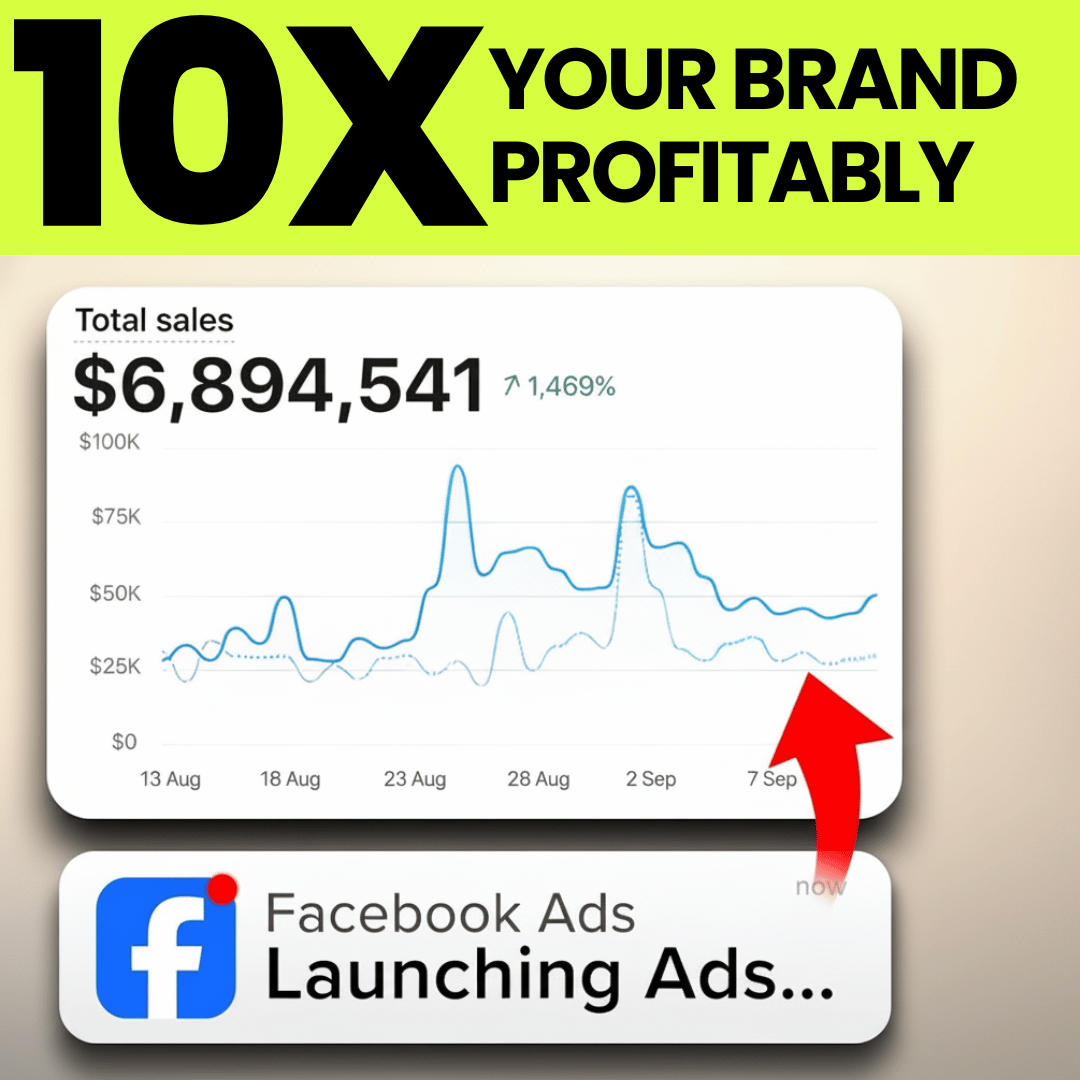
This video provides a comprehensive, step-by-step walkthrough for setting up Facebook ads specifically optimized for e-commerce businesses. It covers everything from campaign creation, ad set configuration, to ad creative setup, emphasizing best practices that differ from common recommendations. The process is proven across over 100 e-commerce brands of varying sizes and niches, suitable for both beginners and advanced advertisers.Ad Account Structure Setup:
- Create four primary campaigns to organize ad spend and targeting effectively.
- First campaign: Prospecting CBO (Campaign Budget Optimization) aimed at acquiring net new customers.
- Campaign type: Sales-based, auction buying type, with campaign budget set (no spending limit).
- Budget allocation: Typically around 80% of total budget (e.g., $800 of $1,000).
- Bid strategy: Set to “highest volume or value” to maximize purchase value from budget.
- No changes to budget scheduling or additional settings at this stage.
[02:07]
Audience Segment Reporting Setup:
- Critical to configure at advertiser level under Audience Segments in advertiser settings.
- Define:
- Engaged audiences: Visitors or add-to-cart users in last 30 days (extend to 90 days if just starting or small audience).
- Existing customers: Anyone who has purchased at any time, using pixel data and CRM uploads (e.g., Klaviyo).
- These segments automatically populate and become usable for campaign exclusions and targeting.
[02:57]
Ad Set Configuration for Prospecting CBO:
- Ad set name example: “pack number one”.
- Conversion location: Usually website and shop (sometimes website only if Instagram shop not optimized).
- Performance goal: Maximize number of conversions preferred over maximize value.
- Data set: Use active data set with Conversions API integration to improve tracking accuracy.
- Conversion event: Always set to purchase — using initiate checkout or add to cart reduces performance.
- Attribution window: Use 7-day click, 1-day view standard setting.
- Budget and schedule: Left blank (default).
[04:33]
Audience Setup for Prospecting CBO Ad Set:

- Use 100% broad audience but implement “further limit the reach of your ads” feature.
- Switch from recommended to manual setup to enable exclusions of retargeting and existing customer audiences.
- Exclude:
- Purchasers in last 180 days.
- Site visitors in last 90 days.
- Purpose: Create “swim lanes” to clearly segment prospecting, retargeting, and existing customers for better budget allocation and clarity.
- Placement settings: Keep default placements unless specific creative limitations exist.
[07:33]
Ad Setup Fundamentals:
- Naming: Include type (image/video) and creative description for clarity.
- Use manual ad creation with single image, video, or carousel format.
- No ad scheduling.
- Upload creatives ensuring the website URL is correct and visible.
- Enable promotions code if applicable to activate promotion flagging.
- Use site links with at least four links, typically homepage, bestsellers, sales page, and relevant collection or product page to enhance ad performance.
[09:32]
Creative Formatting:
- Prepare creatives in three formats: square, vertical, and horizontal to match Facebook placement requirements.
- Turn off flexible media to avoid automatic cropping that could cut off important image areas or text.
- Upload pre-cropped images for each format (1080×1920 for vertical, 1:1 for square, horizontal if possible).
- Horizontal format less critical as it appears only 2-3% of the time.
[11:07]
Text and Headlines Setup:
- Use multiple primary texts (up to five) – Facebook’s algorithm can test and optimize which text performs best.
- Use Facebook’s “generate variations” AI tool to create additional text options.
- Example provided using ChatGPT to generate persuasive copy for a clothing brand (Talentless).
- Headlines should be 30-60 characters, aligned with primary texts, and crafted to be engaging and concise.
- Include promotion or sale information in primary text when applicable to increase click-through rates.
- Description field is optional and often unnecessary if primary texts are sufficiently detailed.
- Call to action: Use Shop.
[14:48]
Ad Enhancements:
- Avoid enhancements that interfere with creative integrity like translate text, 3D animation, overlays, image animation, or visual touch-ups.
- Enable show products, text improvements, and enhanced CTA for better performance.
- Confirm URL destination matches product shown in creative; keep display link clean and relevant.
- Do not use add-ons that encourage DMs or calls; focus on driving traffic to website for purchase.
- Enable website events tracking but app or offline events are optional.
- UTM parameters: Use automatic tracking or set up generic UTM tracking for analytics.
[16:52]
Retargeting Campaign Creation:
- Create a sales campaign named “retargeting” with similar settings to prospecting CBO.
- Use campaign budget initially, with option to switch to ad set budget after accumulating sufficient data.
- Budget set low initially (e.g., $25/day) and managed by monitoring frequency metric:
- Keep frequency between 5-7 over 14 days.
- Increase budget if frequency <5; decrease if frequency >7-10.
[18:08]
Retargeting Ad Sets:
- First ad set: Add to Cart + Initiate Checkout (ATC+IC) 90 days.
- Conversion event: purchase, attribution window same as prospecting.
- Audience setup:
- Create custom audiences from pixel data for add to cart and initiate checkout events in last 90 days.
- Include both events as a fail-safe to cover tracking gaps.
- Disable “use as suggestion” to narrow audience, not broad.
- Placements: Use all available placements unless technical restrictions.
- Include multiple ads for creative variety to avoid audience fatigue.
[20:38]
- Second retargeting ad set: Site Visitors 30 days.
- Duplicate ATC+IC 90 ad set with audience changed to 30-day site visitors.
- Exclude ATC+IC 90 audience for hierarchy clarity.
- Typically, do not exclude existing purchasers unless spending very high budgets.
- This maintains balance and avoids over-segmentation for smaller budgets.
[22:18]
Catalog Retargeting Campaign:
- Campaign named catalog retargeting, uses Advantage Plus catalog ads with campaign budget.
- Budget managed by frequency, start low and scale gradually.
- Ad set settings: website and shop, maximize conversions, purchase event.
- Product selection:
- Include all products if catalog is small; if large, focus on best sellers.
- Example: 6,800 products included in catalog.
- Audience:
- Create catalog custom audience for people who viewed or added to cart products in last 14 days.
- Exclude purchasers in last 14 days.
- Disable “use as suggestion” for narrow audience.
- Ads: Use carousel format with multiple product creatives.
- Ad creative:
- Create two variations: single image and slideshow.
- Use 5 primary text options and varied headlines.
- Call to action: Shop.
- Advantage Plus creative settings enabled with:
- Expand image, dynamic description, enhanced CTA, hide price (predictive), standard labels.
- Destination URLs: Ensure correct product and homepage fallback.
[26:23]
Retention Campaign (Existing Customers):
- Created only if you have 1000+ existing customers.
- Campaign setup: sales campaign, campaign budget, low starting budget adjusted by frequency.
- Bid strategy: highest volume or value.
- Ad sets:
- Purchasers 180 days (website/shop, maximize conversions, purchase event).
- Purchasers all time (exclude purchasers 180 days).
- Audience creation:
- Custom audiences for purchase events in 180 days and all time, from pixel and CRM (e.g., Klaviyo).
- Disable “use as suggestion” for narrow targeting.
- Focus on curated ad creative to existing customers to avoid irrelevant ads or oversaturation.
- Importance: Retain customers to prevent churn to competitors.
[29:53]
Scale Campaign:
- Purpose: Graduate top-performing ads into higher budget scaling.
- Campaign type: sales, but with ad set budget optimization (ABO), differing from earlier CBO setups.
- Budget: Start around 10% of total account spend (e.g., $100 if total is $1,000).
- Audience: Broad with exclusions of retargeting and retention swim lanes (ATC+IC 90 days, purchasers 180 days).
- Advantage Plus enabled for algorithmic optimization.
- Ads: Only proven top ads are duplicated here, not new ads.
- Graduation system:
- High performing ads from prospecting CBO hard duplicated into scale campaign (do not pause original ads).
- Also create interest-based ad sets within prospecting CBO to extend reach via interest targeting (e.g., Reebok Sporting Goods).
- Interest ad sets follow same exclusion rules and use narrow audience targeting.
- Interest targeting allows discovery of new audience pockets and complements broad targeting.
[36:10]
Advanced Scaling with Cost Caps:
- Additional scale ad sets use cost cap bidding strategy with strict cost per result goals.
- Ads grouped by product average order value (AOV) for precise budgeting and ROAS targeting.
- Example naming: “premium T AOV: $100”.
- Cost per result goal calculated as AOV divided by target ROAS (e.g., $100 AOV / 2x ROAS = $50 cost cap).
- Budget set high initially (e.g., $500/day) for big spenders to allow Facebook to spend only if cost targets are achievable.
- Audience setup same as scale campaign (broad with retargeting exclusions).
- This structure allows multiple cost cap ad sets for fine-tuned scaling and efficiency control.
[39:26]
Final Notes:
- The strategy emphasizes frequent monitoring and adjustment based on frequency metrics and performance.
- Creative variety, clean audience swim lanes, and clear campaign roles are critical to prevent audience fatigue and maximize ROI.
- The setup balances automation (advantage plus, AI text variations) with manual precision (custom audiences, exclusions, cost caps).
- The presenter encourages engagement on Instagram for updates and answers to questions.
Summary Table of Campaigns and Key Settings
| Campaign Type | Budget Type | Budget % of Total | Audience Focus | Key Settings & Notes |
|---|---|---|---|---|
| Prospecting CBO | Campaign Budget | ~80% | Broad, exclude retargeting & existing customers | Sales objective, highest volume/value bid, purchase conversion event, 7-day click/1-day view attribution. |
| Retargeting | Campaign Budget | Low Start (e.g., $25/day) | Add to Cart + Initiate Checkout 90d, Site Visitors 30d | Narrow custom audiences, no “use as suggestion”, multiple creatives, frequency managed (5-7 target). |
| Catalog Retargeting | Campaign Budget | Low Start, scale up | Viewed or added products last 14d (catalog custom audience) | Advantage Plus catalog ads, carousel format, exclusions of recent purchasers, dynamic creative enhancements. |
| Retention | Campaign Budget | Low Start | Purchasers 180d & all time | Custom audience from CRM and pixel, narrow targeting, curated creative, exclude overlap audiences. |
| Scale | Ad Set Budget (ABO) | ~10% | Broad, exclude retargeting & retention | Hard duplicate top ads, interest-based ad sets, advantage plus on, cost cap ad sets by AOV with high budget. |
Key Insights
- Always optimize for the purchase event rather than add to cart or initiate checkout for best Facebook algorithm performance.
- Use swim lanes via exclusions to separate prospecting, retargeting, and retention audiences clearly.
- Leverage Advantage Plus and Facebook’s AI tools for creative variations and catalog ads for efficiency and scale.
- Creative formats must be pre-cropped for placements—turn off Facebook’s flexible cropping to avoid losing important visual elements.
- Multiple primary texts and headlines improve ad performance through Facebook’s optimization.
- Frequency control is crucial in retargeting to avoid oversaturation and wasted spend.
- The graduation system for scaling ensures top ads get adequate budget without stifling new creatives.
- For high spender accounts, cost cap bidding with product-based ad grouping enables precision scaling and ROAS management.
This video is a detailed, actionable guide providing a modern, data-driven Facebook ads structure tailored for e-commerce brands looking to optimize acquisition, retargeting, retention, and scaling campaigns with precision and efficiency.